Grammarly’s Plagiarism Checker and AI Detection Limits You Need to Know
· 18 min read

Introduction
You have probably noticed how much AI content has flooded the internet. It is getting harder to tell what a human wrote and what a machine generated. This creates real problems for teachers, writers, and businesses who need to trust what they read.

AI detection tools are not perfect either. In fact, they have shown inconsistent accuracy and can give false positives, as noted in a recent policy brief from higher education experts.
Many people turn to Grammarly, a popular writing assistant, to clean up their grammar and catch copied text.
But here is the real question: does Grammarly actually help you check for AI writing? And how well does its plagiarism checker work? A 2026 survey found that 63% of students now consider fully AI-generated work as cheating, so the stakes are high.
Grammarly and plagiarism checker tools are often mentioned together, but they are not the same thing. Grammarly offers a plagiarism checker that compares your text against web pages and academic databases. That is useful for catching direct copies. But it does not scan for AI-generated content the same way dedicated detectors do. Professors and professionals today use a range of tools, from Turnitin to standalone detectors, to verify authenticity.
This guide breaks down how Grammarly’s plagiarism checker works, what it can and cannot do, and how to use it alongside other detection tools. If you want to understand how modern AI detection fits into your workflow, check out our detailed review of the Turnitin AI detector and false positives. By the end, you will know exactly where Grammarly fits and when you need something more.
What Is Grammarly’s Plagiarism Checker?
Let’s get straight to the point. Grammarly’s plagiarism checker is a tool built right into the Grammarly editor that scans your writing for copied text.
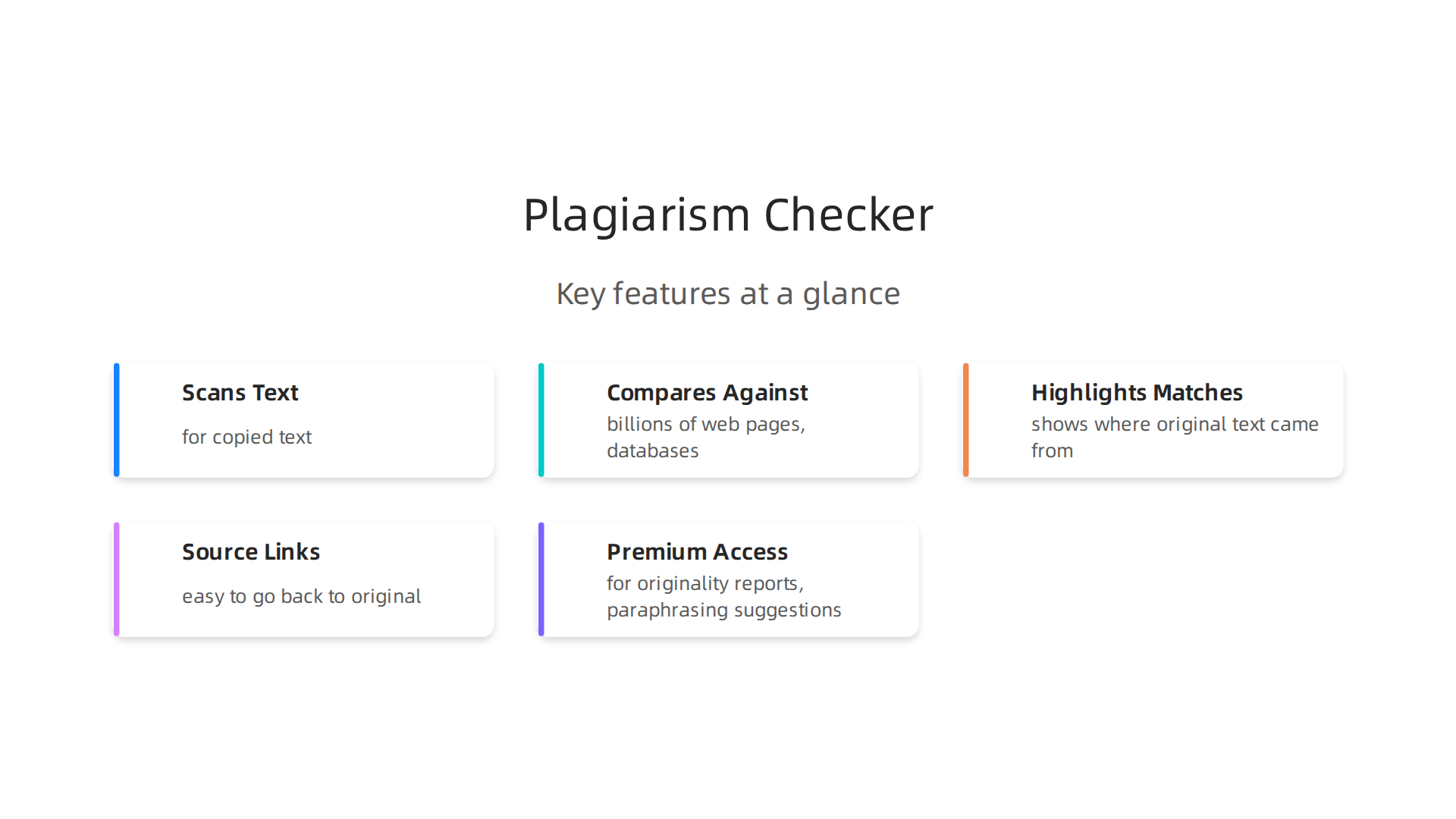
It compares what you have written against billions of web pages, academic papers, and proprietary databases. If it finds a match, it highlights the passage and shows you where the original text came from.
This feature is only available with Grammarly Premium. The free version corrects grammar and spelling but does not check for plagiarism. If you upgrade, you get access to the plagiarism scan plus originality reports that show your text’s uniqueness. You also get paraphrasing suggestions to help you rewrite flagged sections in your own words.
So how does it actually work in practice? When you run a check, Grammarly sends your text through its database. It looks for exact or near-exact matches across the open web and academic sources. A detailed review of the Grammarly plagiarism checker notes that it is good for basic checks in essays and research papers, but it does not verify citations or detect improperly paraphrased content. That is an important limit to know about.
The tool gives you source links for every match it finds. This makes it easy to go back to the original and compare. You can see if you forgot to cite something or if you accidentally used someone else’s phrasing too closely.
But here is the thing. Grammarly’s plagiarism checker focuses on web-based plagiarism. It can catch someone who copied a paragraph from a blog post or a journal article. It does not scan for AI-generated text the same way dedicated detectors do. If you need to check whether content was written by AI, you need a different approach. That is where understanding how modern tools like the Turnitin AI detector handle AI writing becomes helpful.
For basic plagiarism detection, Grammarly is a solid choice. Just know what it can and cannot do before you rely on it completely.
How Does Grammarly’s Plagiarism Checker Work?
So, how does it actually find those matches? The process is pretty simple from your end, but a lot happens behind the scenes. When you run a check, Grammarly uses a mix of text matching algorithms and machine learning. It compares your writing against billions of web pages, academic papers, and its own proprietary databases.
You have two options. You can paste your text directly into the editor, or you can upload a document. The tool then scans everything and gives you a similarity score. This score tells you how much of your content matches existing sources. For every match, Grammarly shows you the original source so you can compare.
The scan is fast. You get results in seconds, which is helpful when you are working on a deadline. But here is the thing. The Grammarly plagiarism checker focuses on web-based plagiarism. As a detailed review explains, it is good for basic checks in essays and research papers, but it does not verify citations or detect improperly paraphrased content. That is a big limitation to remember.
Also, the tool may miss paraphrased text or AI generated content that has not been indexed yet. If you need to check for AI writing, you need a separate approach. For example, understanding how tools like the Turnitin AI detector handle AI generated text can give you a fuller picture.
When Grammarly flags a passage, you can use its paraphrasing suggestions to rewrite it in your own words. If you want more control over the rewriting process, you might want to explore the best AI paraphrasing tools for authentic rewriting.
At the end of the day, the Grammarly plagiarism checker is fast and easy to use. Just remember what it is built for. It catches direct copies from the web. It does not catch everything.
Grammarly’s AI Writing and Detection Capabilities
While the plagiarism checker catches direct copies from the web, Grammarly has grown into a much bigger writing assistant in 2026. It uses generative AI to help you write full drafts, rewrite awkward sentences, and adjust the tone of your message. This makes it a helpful tool for getting words on the page fast.
But here is where it gets tricky for educators and content managers. Because Grammarly now writes text with AI, it also tries to detect AI writing. You can paste text into the Grammarly AI detector, and it will give you a score for how much looks AI generated.
So, does the grammarly ai detector actually work? It does, but with limits. As Grammarly points out, AI detection is not perfect. It can miss advanced AI text or accidentally flag human writing. If you are a teacher checking student work or a manager reviewing content, you might need a deeper look. The discussion around detection accuracy is hotly debated, as seen in conversations about GPTZero and false positives. This is a sign that no single detector is perfect.
This leads to a common worry. Does using Grammarly get your work flagged as AI? Good news. Basic grammar fixes are safe. Fixing a typo or comma is the same as using spellcheck. The risk comes from Grammarly’s generative AI features. If you ask it to write a full paragraph, that text might look AI written to other detectors.
The final takeaway is simple. Grammarly and plagiarism checker tools are great for web copies. And its AI detector gives you a quick way to spot AI text. But for a full check on content authenticity, especially with AI generated text getting smarter, you need a clear strategy. Understanding what Grammarly can and cannot do helps you use the right tool for the right job. When you need to be completely sure about the origins of a piece of writing, a dedicated check for AI authenticity is the safer choice.
Grammarly vs. Copyscape vs. Turnitin: A Comparison
So you know what Grammarly brings to the table. But is it the right tool for every job? Actually, no. Each platform has a different strength. Let’s compare the three big names: Grammarly, Copyscape, and Turnitin.
Grammarly is your all-around helper. It fixes grammar, offers an AI detector, and includes a plagiarism checker that scans web pages. The grammarly and plagiarism checker features work well for everyday writing. But as one detailed review notes, Grammarly’s AI detector can be easy to bypass, so it is not the best choice for high-stakes checks.
Copyscape keeps things simple. It does one thing: it checks your text against the entire public web.
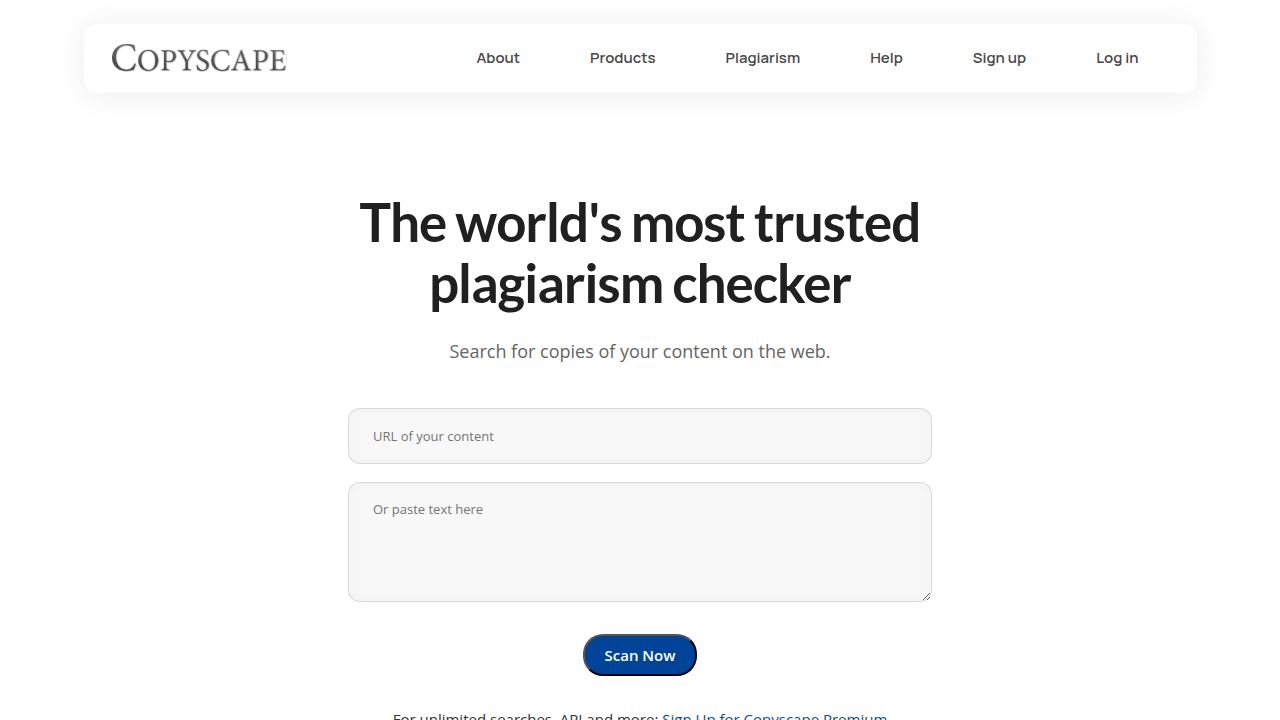
That is it. No grammar help, no AI detection. Bloggers and web publishers use it when they need a basic check for plagiarism checker on their online content. If you run a website and want to avoid duplicate material, Copyscape is a focused solution.
Turnitin is the heavyweight in schools and universities.
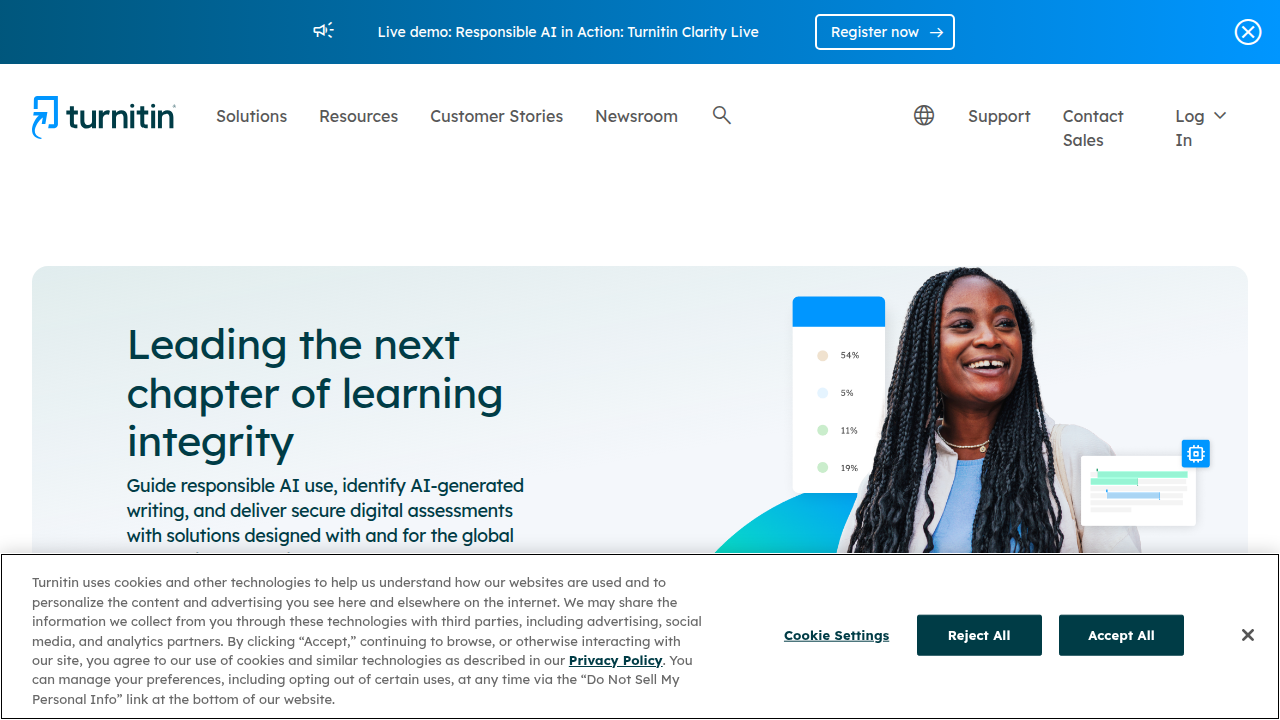
It compares work against web pages, academic journals, and a massive database of past student papers. Turnitin also includes AI detection in 2026, making it a favorite among educators. According to a roundup of the best AI detectors for 2026, Turnitin consistently ranks as a top choice for academic integrity.
So which tool fits your situation? Think about your context:

| Tool | Best For | Key Features |
|---|---|---|
| Grammarly | Daily writing and light plagiarism checks | Grammar help, AI writing, AI detection, web scan |
| Copyscape | Web content and SEO | Web-only plagiarism matching |
| Turnitin | Academic papers and student submissions | Huge paper database, AI detection, detailed reports |
If you are a student or teacher, Turnitin is likely the tool you need.
If you manage a blog, Copyscape is a reliable pick. And if you want an all-in-one assistant for emails and reports, Grammarly does the job. But when you need total confidence in a piece of writing, especially for AI content, using a dedicated detection tool is a smart next step.
For a deeper look at how Turnitin handles AI detection in real classrooms, check out our guide on Turnitin’s AI detector accuracy and false positives.
The Limitations of Grammarly for Plagiarism and AI Detection
Grammarly is a handy assistant for everyday writing. It helps you fix typos, polish your tone, and even offers a basic check for plagiarism and AI content. But when you need serious accuracy for academic papers or professional reports, Grammarly has some real blind spots.
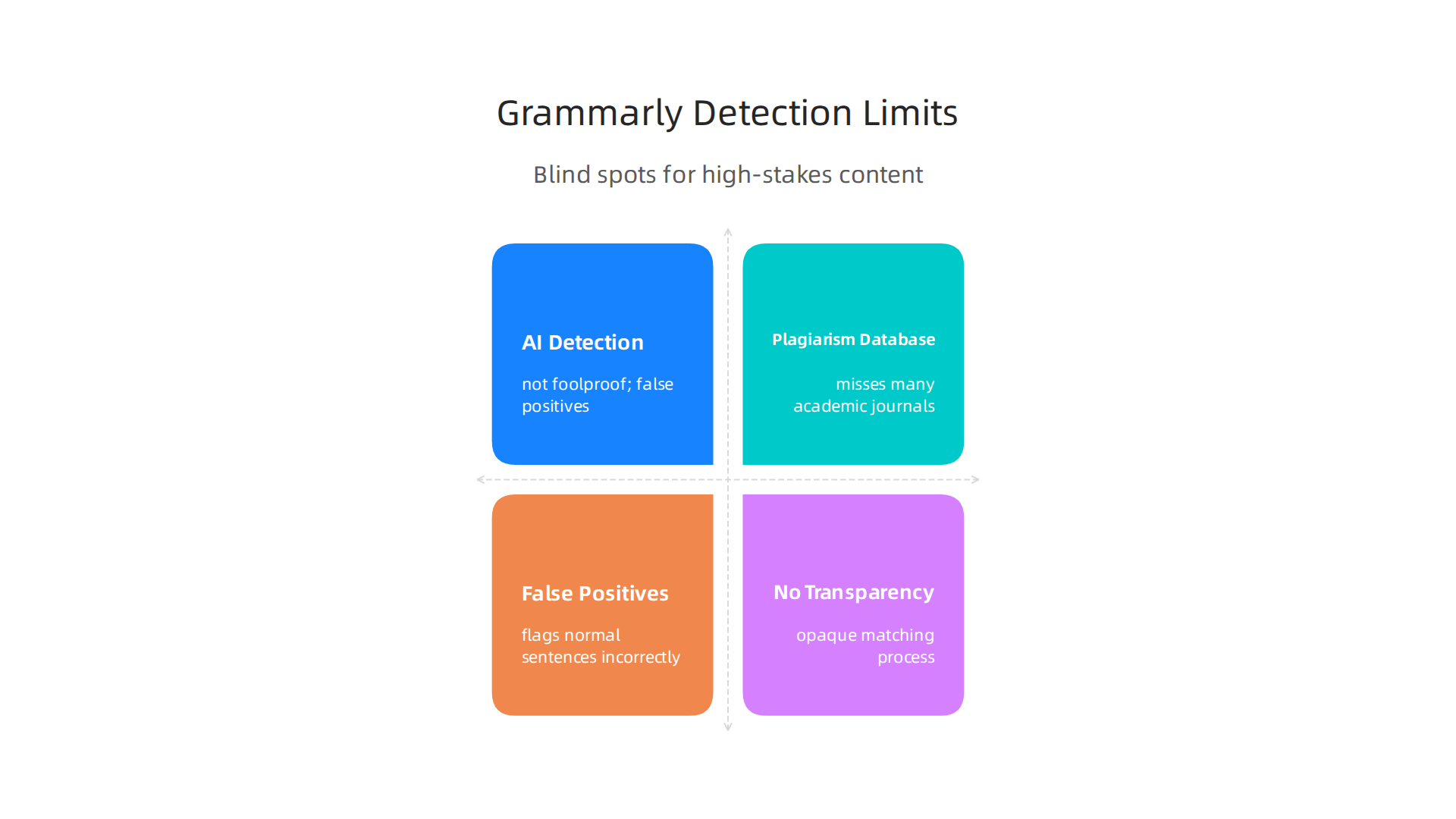
AI detection isn’t foolproof. Grammarly’s AI detector uses patterns to guess if text was written by a machine. But as Grammarly itself explains, AI detection is not foolproof and can produce false positives [source: https://www.grammarly.com/blog/ai/how-do-ai-detectors-work/]. This means it might flag your own writing as AI generated just because you used common phrases or a straightforward style. For rewritten or unpublished AI content, the tool often misses the mark entirely. A review from Quetext notes that as AI writing tools get better, Grammarly’s detector struggles to keep up [source: https://www.quetext.com/blog/grammarly-ai-detector-review-how-accurate-is-it]. So if you need to check for plagiarism checker results you can trust, Grammarly may not be enough.
Its plagiarism database has limits. Grammarly’s plagiarism checker compares your text against billions of web pages. But it does not have access to many academic journals, subscription-only papers, or university databases [source: https://www.grammarly.com]. For researchers and students who need to check against scholarly sources, this is a big gap. A simple check for plagiarism checker tool like Grammarly might miss matched content hiding inside a paywalled journal. Meanwhile, Turnitin keeps a huge database of past student work and academic papers, making it the go to for schools.
False positives and no transparency. Besides AI detection errors, Grammarly can flag perfectly normal sentences as suspicious. Common phrases or repeated terms often set off the warning. And Grammarly does not show you exactly how it matches text or why it thinks something is plagiarized. This lack of transparency makes it hard to know if you can really rely on the result. Reports from higher education researchers point out that many AI detection tools have inconsistent accuracy, leading to unfair accusations [source: https://idaho.pressbooks.pub/airesourceguide/chapter/policy-brief-rethinking-ai-detection-tools-in-higher-education/].
So when should you avoid relying on Grammarly alone? Anytime the stakes are high. If you are a teacher checking student work, a journalist verifying sources, or a content manager protecting brand reputation, you need a tool built specifically for detection. Grammarly is great for quick edits, but for serious verification, look for a dedicated solution that gives you detailed reports and higher accuracy. For example, you can learn more about how to spot AI writing and verify authenticity in 2026 to understand what separates a true detector from a general assistant.
In short, Grammarly and plagiarism checker features are fine for light use. But when you need total confidence, don’t stop there. Use a purpose built tool that digs deeper.
The Impact of AI-Generated Content on SEO and Brand Trust
You work hard on your writing. But what if the content you publish gets flagged as low quality just because it sounds a bit robotic? That is the risk with AI generated text in 2026. Search engines like Google are getting smarter at telling helpful human writing apart from shallow machine content.
Here is the thing. Google does not have a blanket ban on AI content. As Keywords Everywhere explains, there is no automatic penalty just because AI helped [source: https://keywordseverywhere.com/blog/does-google-penalize-ai-content/]. But that does not mean you can just press a button and rank. Google’s March 2024 Core Update was designed to cut low quality, unoriginal content by about 45% [source: https://creativeorbit.com.au/latest-research/ai-generated-web-limits]. So the real test is quality, not how you made it.
MarketingProfs puts it clearly: only high quality, trustworthy content has a real shot at the top of search results [source: https://www.marketingprofs.com/articles/2024/52241/google-ai-seo-policies-automated-ai-generated-content]. Google wants content that shows experience, expertise, authoritativeness, and trust (E-E-A-T). AI text often lacks the personal voice and depth that readers and algorithms value. That is why many sites using heavy AI have seen 20-40% traffic drops in 2026 [source: https://eseospace.com/blog/how-ai-overviews-impact-seo-2026/].
Beyond SEO, brand trust is fragile. When readers suspect your articles are written by a bot, they stop believing you.

A study in 2026 found that audiences trust human written content much more for engagement and credibility. If you rely on AI for everything, you risk damaging your reputation over time.
So how do you protect your brand? Start by using a reliable tool to check for plagiarism and AI generation. A proper check for plagiarism checker can help you verify that your content is original and human enough. But remember, even a grammarly plagiarism checker has limits, as we saw earlier. For real confidence, you need a dedicated detector.
If you want to learn more about how to spot AI writing and verify authenticity in 2026, check out this guide: how to spot AI writing and verify authenticity in 2026.
The takeaway is simple. Use AI as a helper, not a crutch. Always review and rewrite. And always run your finished work through a trust worthy detection tool. Your SEO ranking and your readers trust depend on it.
Best Practices for Using Grammarly in an AI-First World
So you know the risks. You want to protect your SEO and your brand trust. But you also like using Grammarly to catch typos and polish your sentences. That is fine. Grammarly is a great helper for grammar and style. The key is to use it the right way in 2026.
Think of Grammarly as your first pass. It fixes basic mistakes and makes your writing flow better. But when it comes to checking for AI generated text, Grammarly has limits. A detailed review from Quetext found that the Grammarly AI detector is decent for quick scans but not perfect for serious decisions [source: https://www.quetext.com/blog/grammarly-ai-detector-review-how-accurate-is-it]. Another test by Originality.AI showed that the Grammarly AI content detector can be bypassed pretty easily [source: https://originality.ai/blog/grammarly-ai-detector-review]. So if you are publishing something important like a blog post, a client report, or a school paper, do not rely only on Grammarly.
Here is the smart approach. Use Grammarly for grammar and style. Then run your final draft through a dedicated check for plagiarism checker that also detects AI writing.
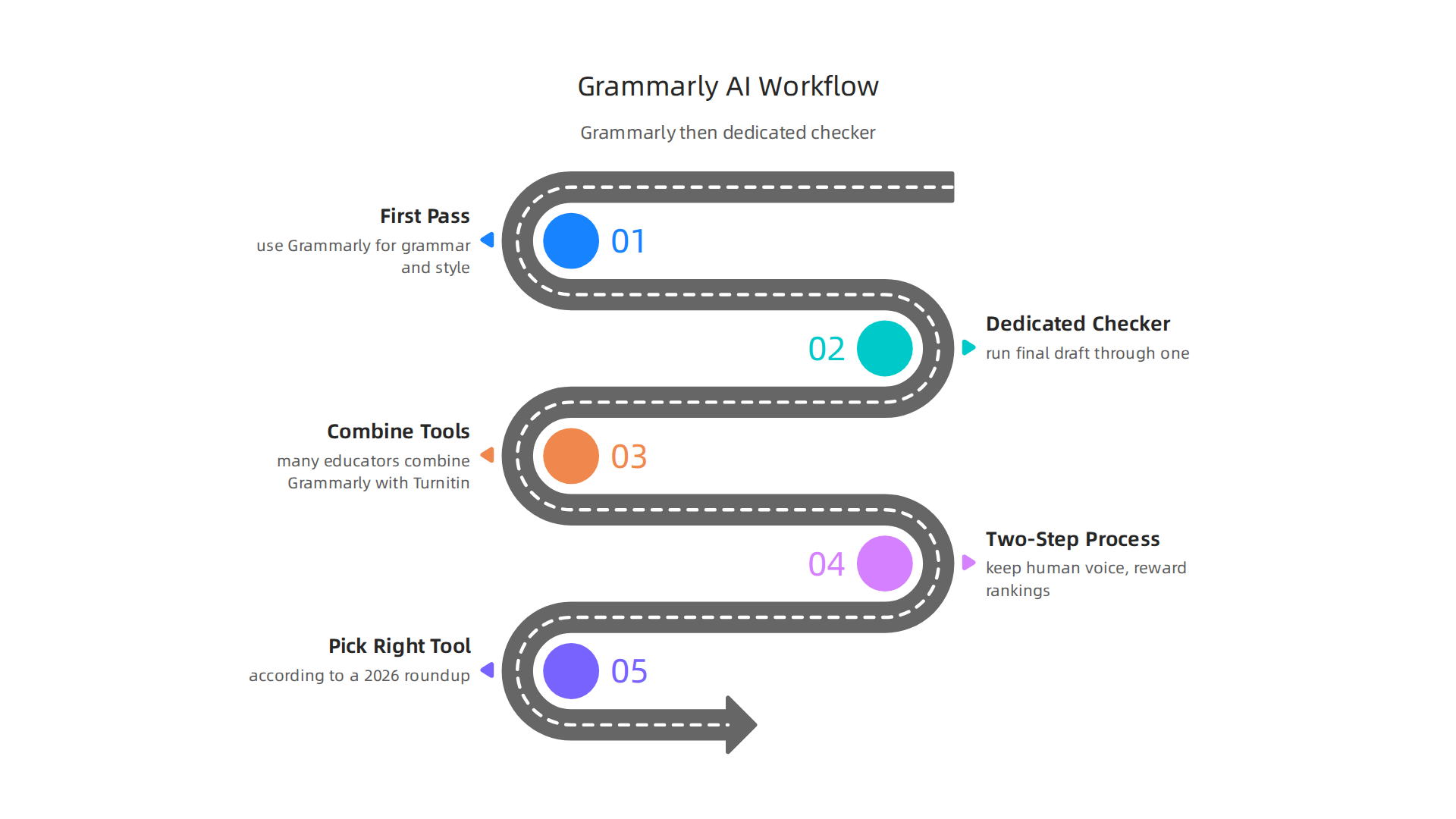
That way you catch both copied text and machine generated prose. For example, many educators now combine Grammarly with Turnitin to catch AI submissions. A 2026 comparison on YouTube showed that Turnitin is often more effective than Grammarly alone for academic integrity [source: https://www.youtube.com/watch?v=L9U9HJp9Md4].
If you work in content marketing, the same idea applies. Write with Grammarly on. Clean up the text. Then before you hit publish, use a proper AI detection tool to verify authenticity. This two step process helps you keep the human voice that readers trust and search engines reward.
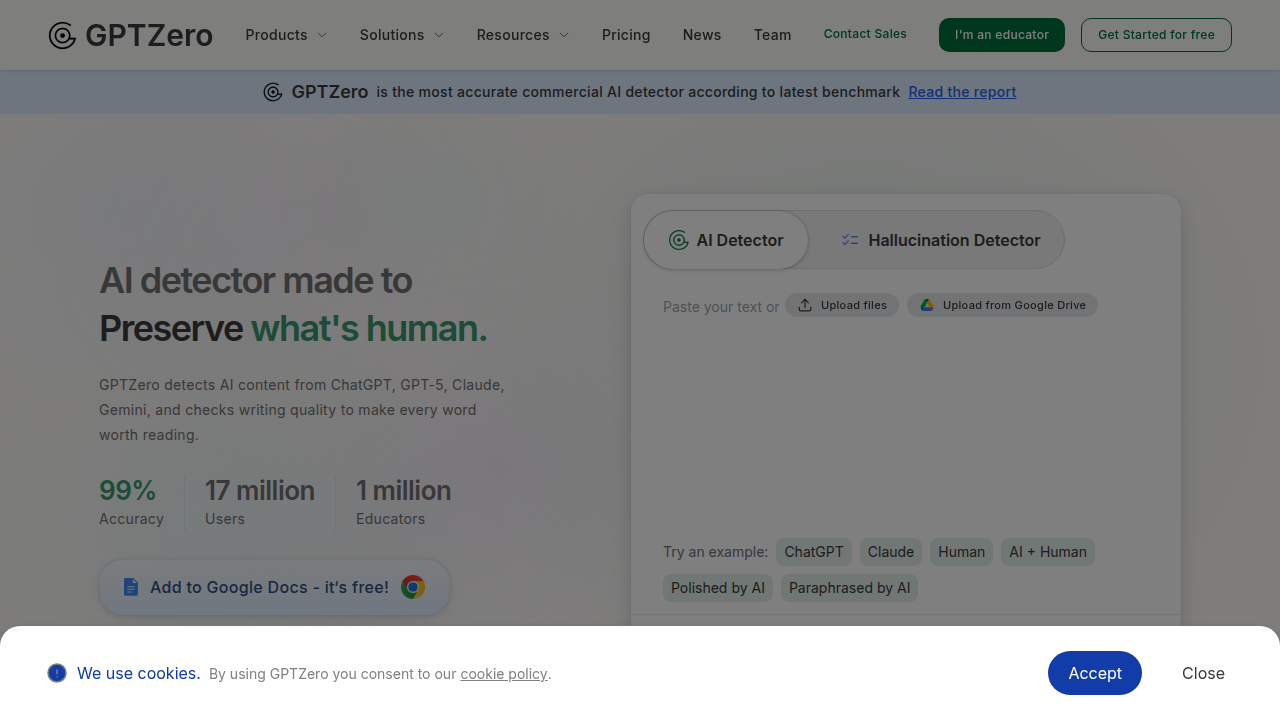
Also remember that AI detection tools have different strengths. According to a 2026 roundup on Grammarly’s own blog, the best AI detectors include Grammarly, GPTZero, Originality AI, and others [source: https://www.grammarly.com/blog/ai/best-ai-detectors/]. But GPTZero is often ranked higher for classrooms and editorial work [source: https://gptzero.me/news/best-ai-detectors/].
So pick the tool that fits your job.
Want to see how to spot AI writing and verify authenticity step by step? Check out this complete guide: how to spot AI writing and verify authenticity in 2026.
The bottom line is simple. Let Grammarly handle the small stuff. But always double check with a dedicated detector for the big stuff. Your readers and your rankings will thank you.
Future Trends in Plagiarism and AI Detection
Looking ahead, the game is changing fast. AI models keep getting smarter. They write more like humans every year. That makes detection harder for everyone.
Here is the problem. A 2026 policy brief from Idaho universities found that AI detection tools have inconsistent accuracy and can give false positives [source: https://idaho.pressbooks.pub/airesourceguide/chapter/policy-brief-rethinking-ai-detection-tools-in-higher-education/]. That means a tool might flag your human writing as AI. That is not helpful.
At the same time, a survey from Quetext showed that 63% of students already consider fully AI-generated work as cheating [source: https://www.quetext.com/blog/plagiarism-in-2026]. Most people know the rules. But the tools still struggle to catch everyone.
So what is coming next? Two big trends.
First, digital watermarking and provenance standards. Think of a hidden stamp that says "this text was written by a human" or "this text came from an AI." Groups like C2PA are working on these standards. They want to make content origins clear at the source. That could be a long-term fix.
Second, detection tools will get more specific. Right now they look at style patterns. Future tools might scan for structural fingerprints unique to each AI model. Teachers and editors already use a mix of tools like Turnitin, GPTZero, and Copyleaks [source: https://www.thesify.ai/blog/how-professors-detect-ai-writing-2026-guide]. That trend will continue. No single tool will do it all.
Grammarly will likely improve its own ai detector. But it will probably stay a general-purpose helper. For serious verification, you will still want a dedicated check for plagiarism checker that focuses only on authenticity.
If you want to stay ahead, learn the full process now. Check out this complete guide: how to spot AI writing and verify authenticity in 2026.
The future is not about one perfect tool. It is about combining smart habits with the right detectors. Grammarly can help. But always pair it with a dedicated scanner for your most important work. That will keep your content real and trusted.
Summary
This article explains how Grammarly’s plagiarism checker and AI tools work, what they can reliably detect, and where they fall short. It walks through the mechanics of Grammarly’s web- and database-based text matching, clarifies that plagiarism checking is a Premium feature, and distinguishes those checks from dedicated AI-detection systems. The guide compares Grammarly to Copyscape and Turnitin so you can choose the right tool for blogging, academics, or editorial work. It also covers real risks—false positives, limited academic coverage, and AI text that escapes simple detectors—and why those matters for SEO and brand trust. Practical best practices show how to use Grammarly for drafting and grammar while relying on a specialized detector before publishing high-stakes content. Finally, the article looks ahead at provenance standards and how detection will evolve, so readers learn a dependable workflow to keep content original and credible.